 Mitt Mail

Windows
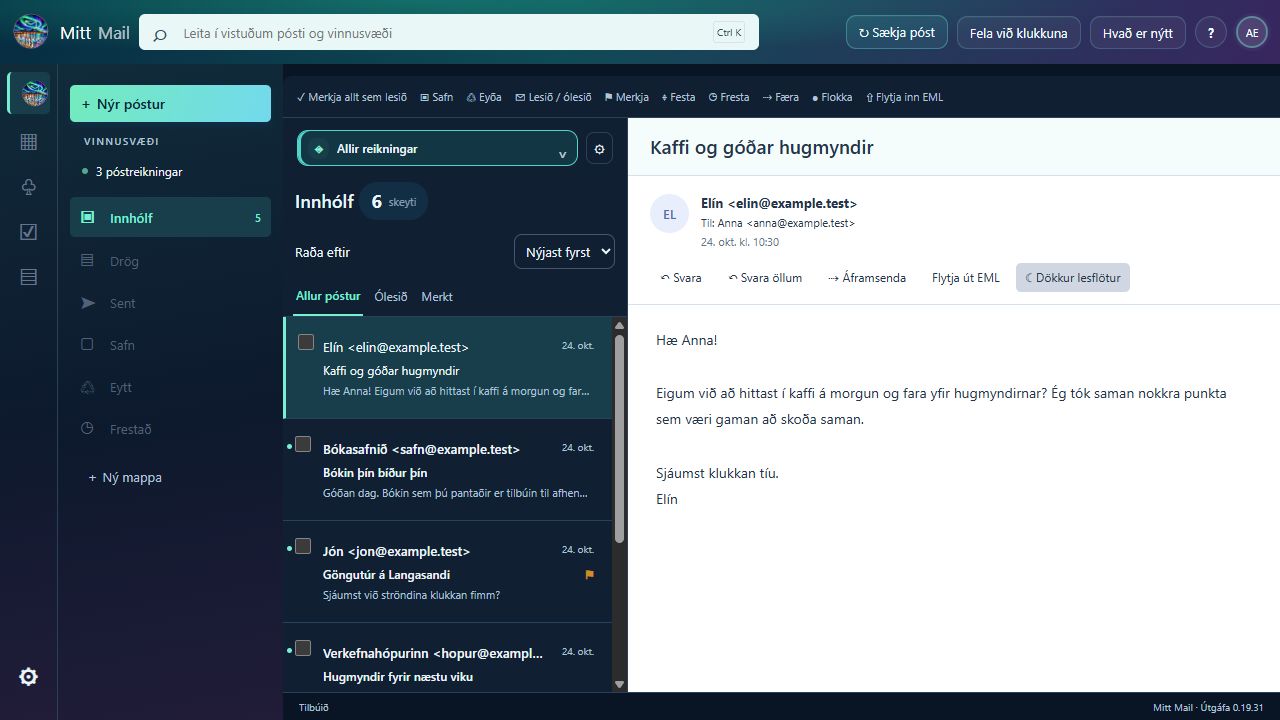
Inbox, reading pane and tools in a dedicated app window.
Download for Windows ↓Installation help ↗ICELANDIC INTERFACE · AURORA THEME
Email, calendar and tasks in one place. Mitt Mail gives you a calm workspace in the colours of the northern lights — on your computer and phone.
Windows Linux
 Android
 Mitt Mail
EXPLORE MITT MAIL
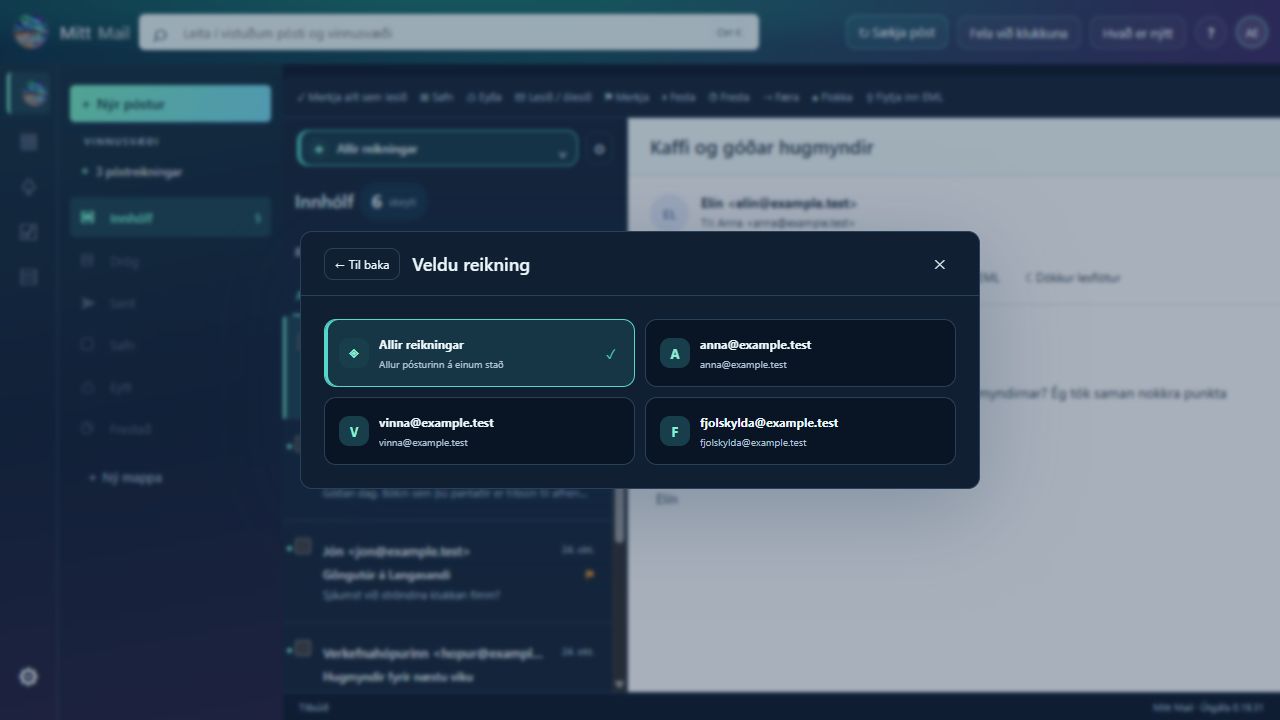
Choose a device and explore the interface. Click an image to enlarge it.
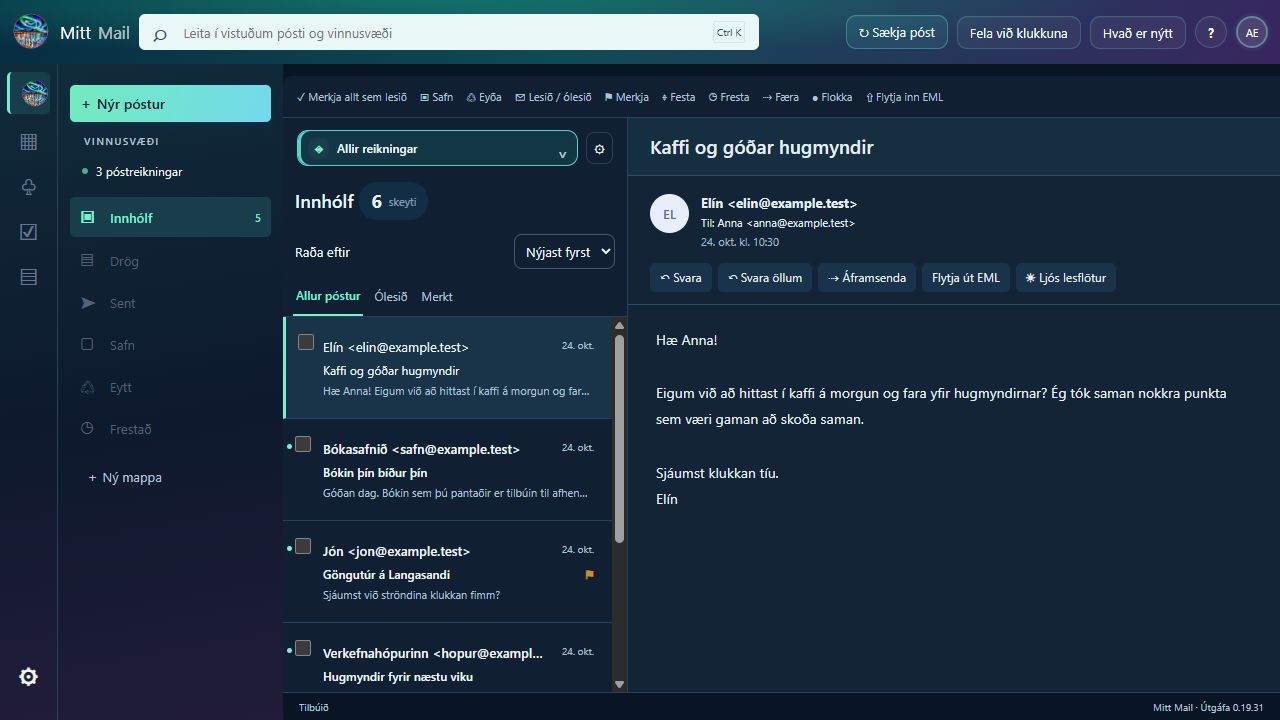
A calm reading pane with a clear overview.
Switch between light and dark while reading.
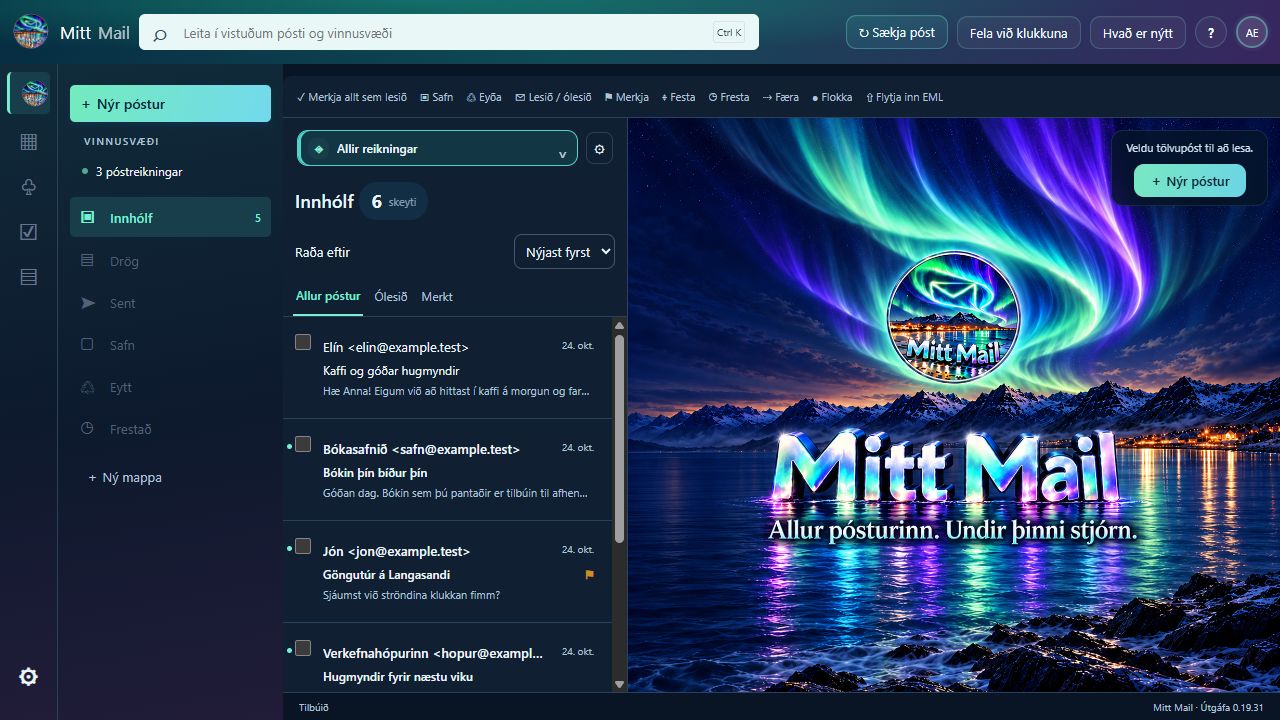
A new background with the Mitt Mail logo and slogan.
View all accounts together or choose one.
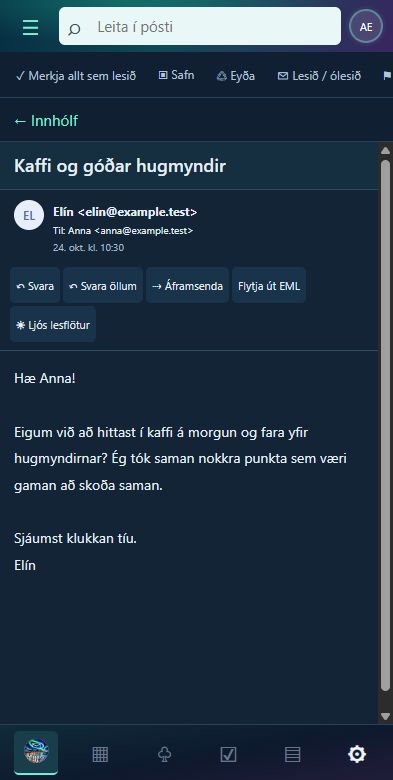
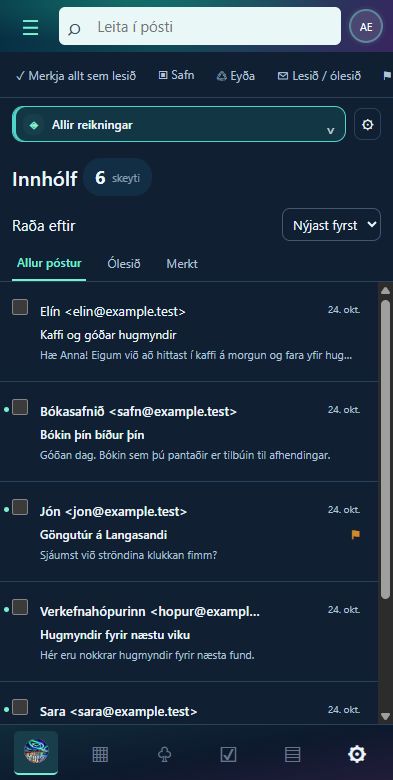
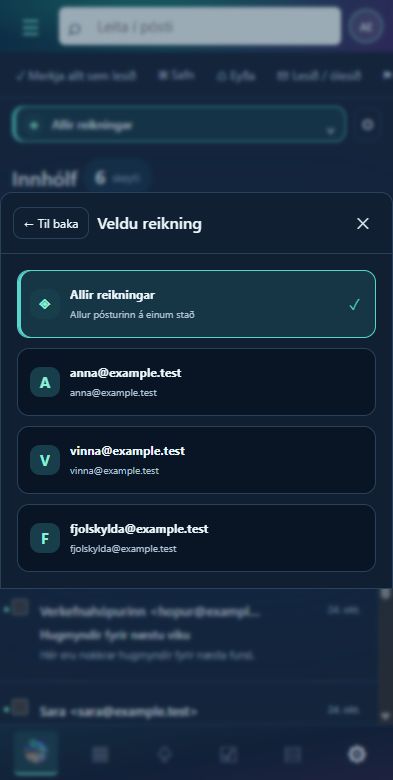
A touch-friendly message list and account selector.
The same Icelandic interface on a smaller screen.
Choose an account without losing your overview.
View contact details, conversations and attachments in one place.
Mitt Mail interface screenshots use fictional sample data. Desktop images show the shared Windows and Linux interface; Linux images are interface previews, not screenshots of a native Linux window. Android images show the phone layout in a browser test.
YOUR DEVICE. YOUR MITT MAIL.
The same Icelandic workspace on your computer and phone. Choose the package for your device.
Inbox, reading pane and tools in a dedicated app window.
Download for Windows ↓Installation help ↗Linux 0.19.31 with PySide6 for Intel / AMD and ARM64.
Intel / AMD ↓Download ARM64 ↓Your mail, wherever you go. A touch-friendly interface for Android 9 and later.
Download Android APK ↓About the Android release ↗Downloads select the latest release uploaded to the website. View release history →
ANDROID · INITIAL TEST RELEASE
A standalone app for Android 9 and later. The same aurora theme and mail engine in a mobile-friendly interface. Mail is stored on your phone and sign-in credentials are encrypted using Android Keystore.
Download Mitt Mail for AndroidGoogle / Gmail sign-in uses Google Play services on your phone. IMAP/SMTP or POP with a password or app password is also available where supported by your provider. Microsoft OAuth for Android is still in development.
Android asks permission to install the APK. The app checks for releases when opened and offers downloads; Android confirms installation. Battery-saving settings may delay background mail checks.
LINUX · READY TO USE
Linux 0.19.31 is available for Intel / AMD and ARM64 with PySide6. It shares the desktop mail engine. Required system packages depend on your Linux distribution; install with apt to let the system fetch dependencies.
Download Linux · Intel / AMD Download Linux · ARM64
The Windows version continues. Connect accounts on each computer; Windows sign-in files do not transfer to Linux.
Connect Gmail, Microsoft or another supported email service and switch accounts without removing existing ones.
Downloaded mail and drafts are stored on your computer. Read saved content offline; new mail and sending require a connection to your email provider.
01 / YOUR WORKSPACE
HTML messages, images, attachments and signatures. A rich-text editor and saved drafts help you pick up where you left off.
Folders, search and labels, plus a local calendar, recurring events, reminders, contacts, tasks and notes.
An Icelandic interface, thirteen themes and notifications with separate sounds for incoming and sent mail. The app can keep running in the system tray.
02 / FIRST STEPS
Choose the Windows installer or Linux package and follow the instructions. Mitt Mail uses its own app window on Windows. Sign-in and external links open in your default browser.
Go to downloads ↓Go to Settings → Email accounts. Choose Google or Microsoft and complete sign-in and consent with your provider. Other services can use IMAP/SMTP and POP3 with TLS, depending on provider settings.
Choose Fetch mail. New inbox messages take priority; older history loads afterwards. Add more accounts whenever you like.
Google sign-in for Mitt Mail is under review by Google, and access may be limited during review.
03 / ACCESS AND TRUST
Mitt Mail needs access to fetch and display your messages, send mail you compose and sync changes such as folder moves and read status. Gmail uses IMAP and SMTP, so the connection requests the mail permission https://mail.google.com/.
Data is used to provide these features. Email data is not sold, used for targeted advertising or used to train general-purpose AI models. See the privacy policy for details on access, storage, sharing and deletion.
04 / BEHIND MITT MAIL
Mitt Mail is inspired by my passion for designing, creating and building.
Publisher: 2024 ehf.
Made by someone with a passion for creating.
Mitt Mail's colours and logo are inspired by Akranes, Akrafjall and Langisandur beneath dancing northern lights. The workspace is designed to feel familiar, personal and comfortable in everyday use.